Prepare Cellar Records for an EU Wine Ingredient List
Organise blend sheets, cellar additions and supplier specifications for an EU wine ingredient-list review, with a reusable worksheet and designer handoff.
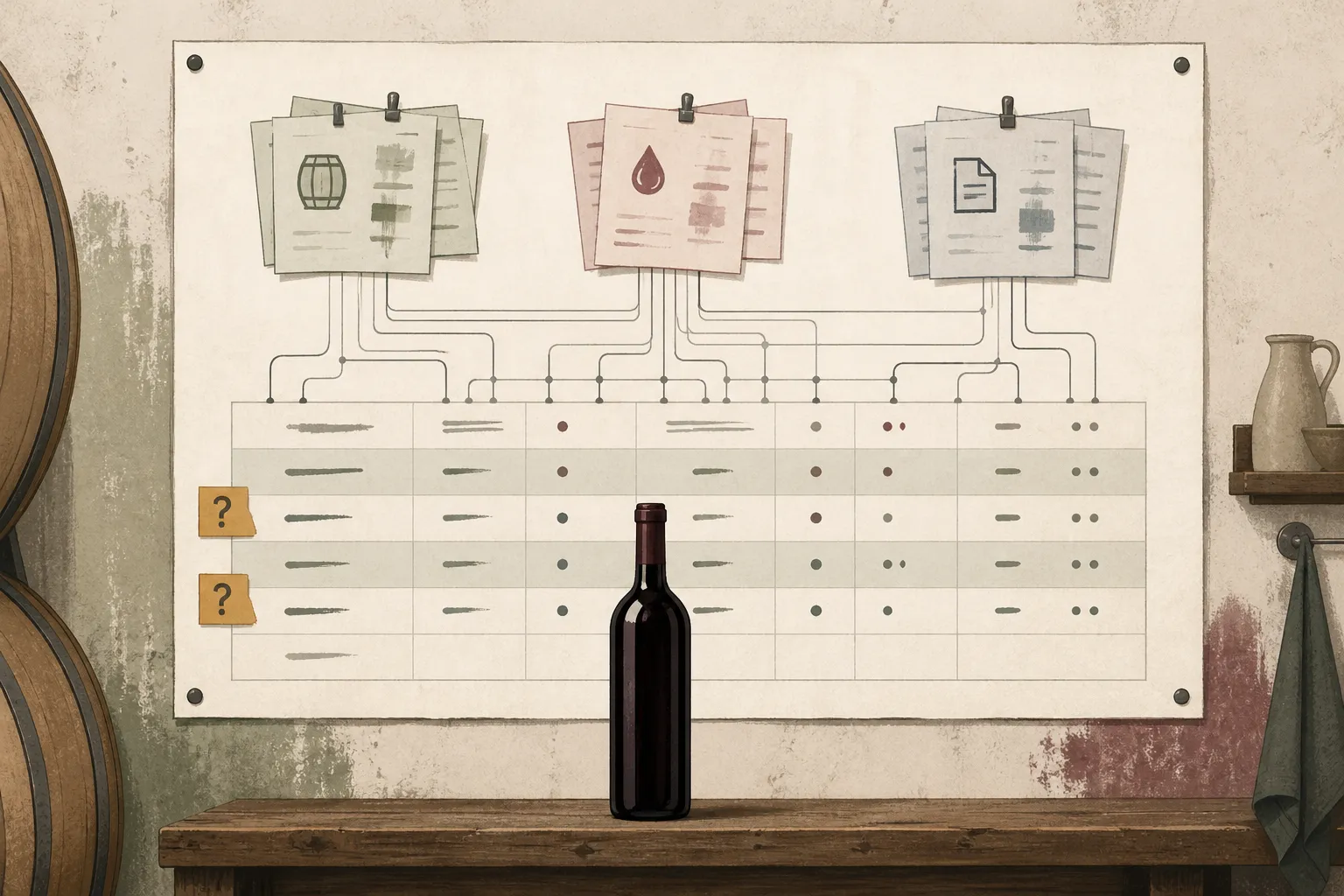
Before drafting a wine ingredient list, trace the finished wine through its blend components, cellar additions and supplier specifications. Build a worksheet that connects each substance to its source record, purpose and supporting evidence. Keep unanswered questions visible rather than turning the addition log straight into label text.
This guide helps you prepare that evidence for an ingredient-list review. It covers commercial wine intended for EU markets, including imported wine, not home winemaking. It does not provide a ready-to-print list or determine which substances you must declare.
We’ll use a fictional blend to show how to organise the records. Declaration names, ordering, allergen wording and label placement still need checking against the rules applicable to your wine and markets. This is a records-preparation guide, not legal advice.
Start with one finished wine
Create a worksheet with the wine’s name, category, finished-batch identifier, intended markets and blend-sheet version. Include relevant production dates so the person reviewing the label can assess which rules apply.
Keep this working sheet separate from proposed label text. It should preserve the production history, including substances that may ultimately be excluded from the ingredient list after review.
Our example, Cellar Blend R, combines component batches A and B, followed by an addition after blending. It illustrates evidence gathering, not a legally validated ingredient list.
Gather records for every blend component
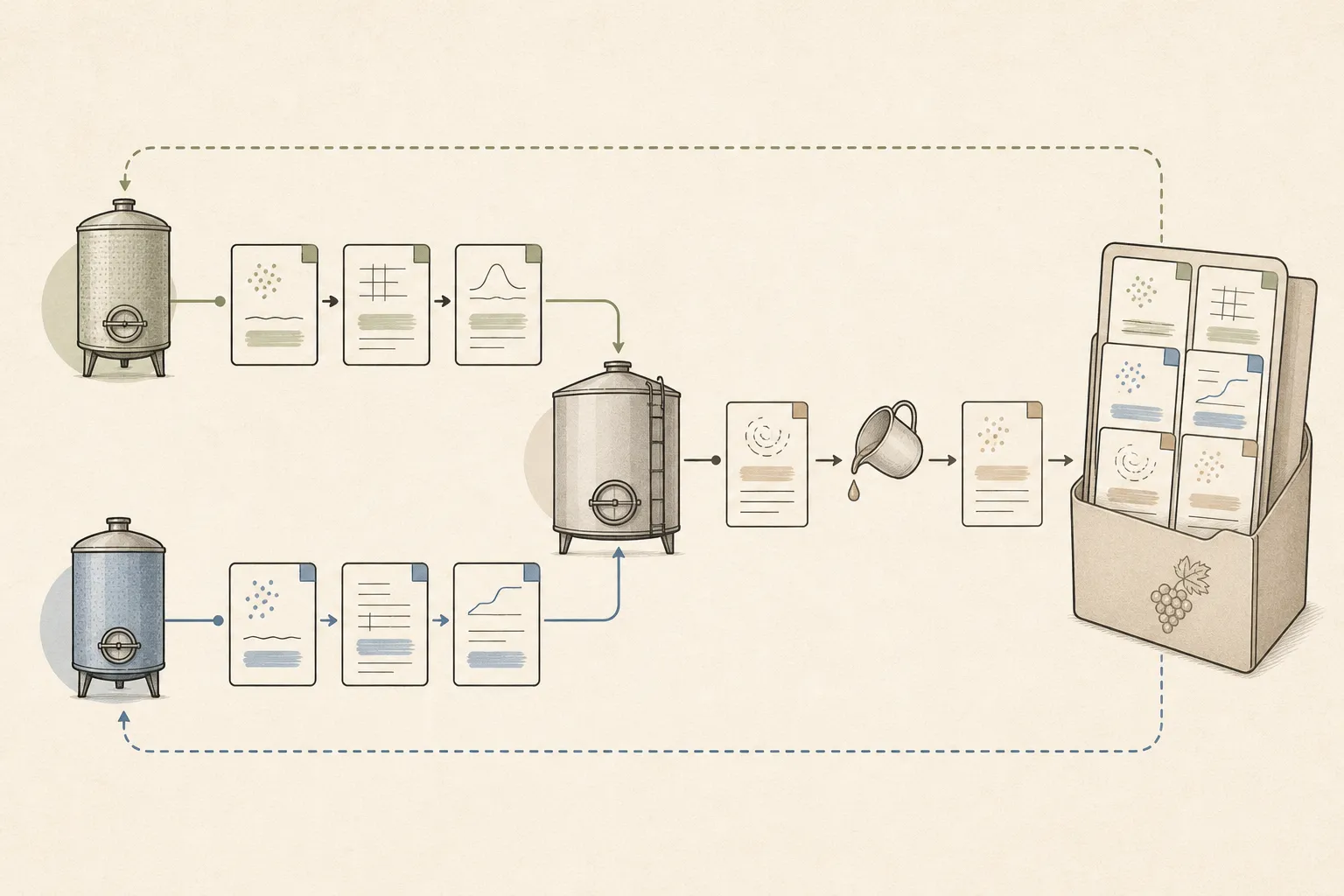
Trace records from both component batches and the finished blend into the review worksheet.
Collect:
- The final blend sheet, including component-batch identifiers and quantities.
- Production histories and addition records for each component batch.
- Treatment records before and after blending, with quantities, dates and recorded purposes.
- Purchased product names, suppliers and lot references where available.
- Supplier specifications showing each preparation’s composition, not just its trade name.
- Supplier information about function, use and allergens.
- Relevant finished-wine analyses and any further evidence requested during review.
For Cellar Blend R, checking only the finished tank would miss the histories of A and B. Follow both histories, then add the post-blending records.
Where a record says only “Product P”, request the composition and specification applicable to the product or lot used. Do not assume a trade name describes a single substance. Record the supplier query and leave the answer pending rather than filling the gap from memory.
Build a traceable worksheet
Use one row per substance under review. For a preparation with several components, keep a parent entry for the purchased product and linked rows for its disclosed components. This preserves the connection to the cellar record without treating the preparation as one unexplained item.
Copy this structure into a spreadsheet:
| Worksheet field | What to enter |
|---|---|
| Component batch | A, B or the finished blend |
| Source record | A retrievable addition log, treatment sheet or other reference |
| Product and substance | Purchased product name and identified component |
| Amount or addition reference | Quantity, unit and date, or a reference to that entry |
| Function | Why production staff used it in this batch |
| Supplier evidence | Composition, specification version and supporting documents |
| Classification question | Any ingredient, additive or processing-aid question to resolve |
| Proposed declaration | Candidate wording, if established, or “pending review” |
| Open question | Missing evidence or a decision needed |
| Review decision | Outcome, reason, official provision and date checked |
The first entries for Cellar Blend R might look like this:
| Batch and record | Entry | Evidence available | Next action |
|---|---|---|---|
| A, addition log A-17 | Product P | Trade name and quantity only | Obtain composition and function information |
| B, treatment sheet B-08 | Preparation Q | Supplier lists components Q1 and Q2 | Create linked rows and assess each component |
| Finished blend, log R-03 | Substance S | Identity, amount and purpose recorded | Submit for classification and wording review |
These placeholders deliberately stop short of ingredient wording. They show where evidence belongs, not how an unidentified product should be declared.
Update the evidence without inventing a conclusion
Suppose the supplier responds to the query about Product P. Save the specification, its version and the relevant lot reference. Add the disclosed components as linked rows, then ask production staff to confirm the recorded use.
The original row now has a more useful outcome: “Composition received; see linked component rows.” The declaration cells can still say “pending review”. Receiving a specification closes an evidence gap; it does not itself settle the label wording.
For preparation Q, keep Q1 and Q2 linked to treatment sheet B-08 throughout the review. If their eventual decisions differ, the worksheet should preserve both decisions and their reasons. Do not replace that trail with an unexplained clean list.
Prepare the questions the label review must resolve
Use one review protocol across the worksheet: establish identity, document use, record the declaration decision and save its supporting basis. A blank declaration cell means “not decided”, not “omit”.
The following sections describe the evidence and outputs to prepare. They do not establish the legal answers for Cellar Blend R.
Substance identity and declaration wording
Resolve shorthand and ambiguous product names with production staff and suppliers. Document how and why each substance was used in the batch; do not assign a classification from its trade name alone.
Keep two decisions separate:
- Whether the substance needs to appear in this wine’s ingredient list.
- What wording applies if it does.
For multi-component preparations, provide the individual component details. Supplier terminology is evidence to examine, not automatically the wording to print.
The review output should give each row a declaration or a documented exclusion, with the reason and applicable official provision. Until then, retain “pending review”.
Ingredient order and wine-specific exceptions
Keep quantities, units and batch context available. For a blend, this includes the component-batch records, not only the finished-tank additions.
Do not use addition date as a shortcut for the proposed sequence. Quantities from different-sized component batches also need their contribution to the finished wine made clear before they can support an ordering assessment.
The review output should identify the applicable ordering basis, permitted names and any relevant additive terminology, grouping or wine-specific exceptions. Record those decisions alongside the proposed sequence.
Allergens and physical-versus-digital placement
Prepare a separate allergen check across all component batches and supplier preparations. Reuse the evidence already collected, but do not assume an ingredient-list decision also settles the allergen question.
Collect substance identities, supplier information, treatment records and any further evidence requested. The review output should specify allergen wording and presentation, plus what must appear on the physical label and what may be provided digitally.
Do not treat a complete digital list or a supplier’s allergen statement as the final answer for the bottle. If a wine- or country-specific question remains unresolved, take it to the relevant competent authority or a suitably qualified adviser before approving artwork.
Keep an official-source record
These are starting points for checking the applicable rules, not evidence that your wine’s declarations have been verified:
- Regulation (EU) 2021/2117, for the amended wine-labelling framework.
- Regulation (EU) No 1169/2011, for food-information provisions to check alongside wine-specific rules.
- Commission Delegated Regulation (EU) 2019/33, for wine presentation and labelling provisions and relevant amendments.
- Commission notice C/2023/1190, for guidance on implementing the wine-labelling provisions.
Use current consolidated versions where available and relevant national competent-authority guidance. Save the specific provision or guidance answer supporting each decision, together with the actual date checked. This article’s publication date is not a legal verification date.
Turn reviewed decisions into a designer’s handoff
Production staff confirm that the worksheet matches the finished wine and its records. A suitably qualified label reviewer checks the declarations and presentation instructions. The designer implements the approved instructions rather than deciding which substances belong in the list.
Send the designer:
- The wine and batch identifier, document version and approval date.
- Approved ingredient text, separate from worksheet comments and provisional drafts.
- Approved allergen wording and presentation instructions.
- The allocation of information between the physical label and any digital page.
- Any QR-code asset and its intended destination.
- The approver’s name and instructions for returning the proof.
For Cellar Blend R, unresolved placeholder rows are not handoff text. Keep the worksheet as supporting evidence and issue the designer’s text only after the necessary decisions are complete.
Publish on a digital label, if you use one
Transfer the approved information and compare the published page with the approved version. Test the QR destination from the artwork proof, then test a printed proof or bottle before release.
Winetraqr is one optional publication route: you can enter a wine’s reviewed ingredients and allergens and download its generated QR code for the designer. Scanning opens a mobile-optimised digital label without an app, shown in every official EU language. Edits appear immediately without changing the printed QR code or requiring reprinting.
Keep content changes under review even when publication is immediate. Updating a digital page does not resolve a separate error in the bottle artwork.
Final check before printing
- Every component batch and finished-blend addition has been traced.
- Supplier preparations have been investigated beyond their trade names.
- Declaration, exclusion, wording and ordering decisions are recorded.
- Allergen presentation and physical-versus-digital placement are confirmed.
- Supporting official provisions and actual check dates are saved.
- Open questions are resolved, and the approved text has a version identifier.
- Artwork and any digital destination match the approved handoff.
The winery remains responsible for its label content. Authorise printing only after the proof matches the approved handoff and the person responsible has recorded the release.
See also what must appear on the physical label.
See also test a printed proof or bottle.
Unlock the story behind every bottle
- Unlimited wines and QR codes
- Automatic language translation
It's free to sign up. No credit card needed.