Create your first QR code in minutes 🍇
Getting started with Winetraqr is easy. You can create your first QR code in just a few simple steps.

Here is how it works:
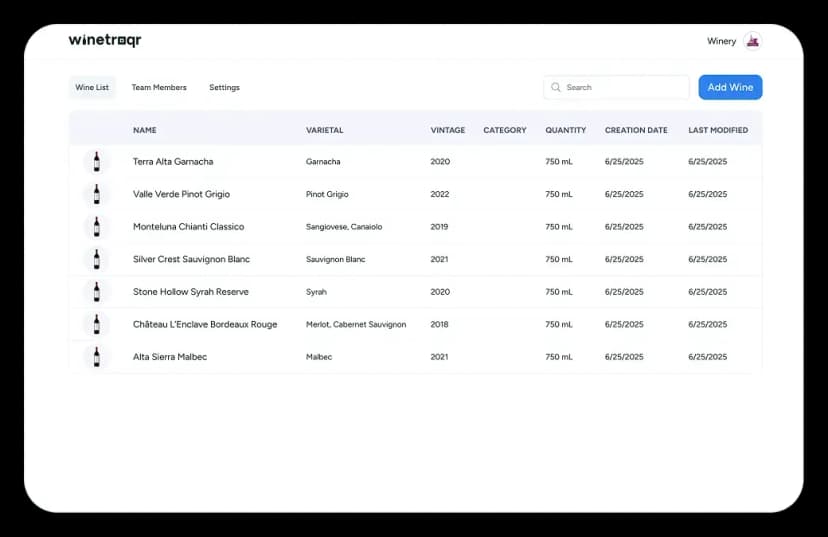
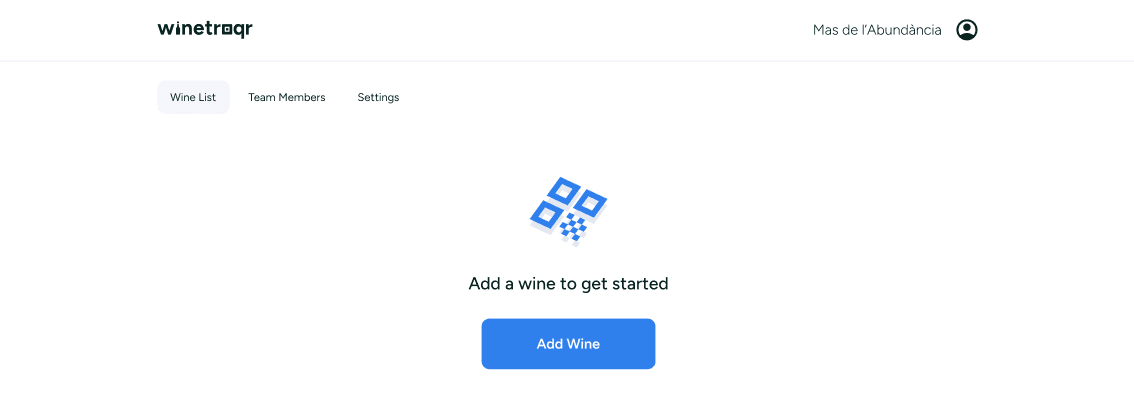
1. Click "Add a wine"
This is where everything begins.
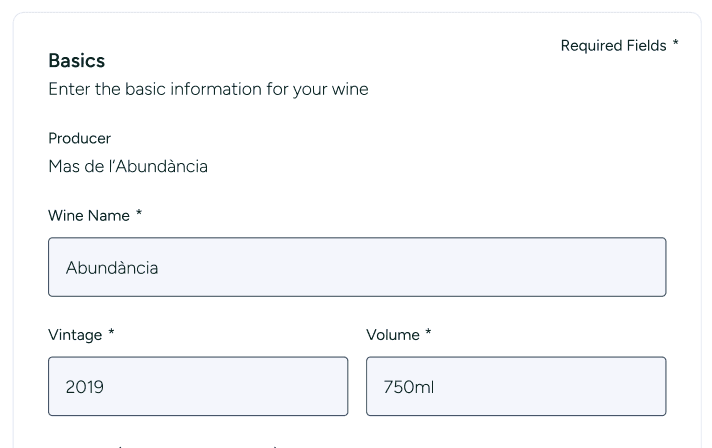
2. Enter the basic details for your wine
Add the name, vintage, and volume. You can also include optional information like category, country, region, destination market, and grape varieties.
3. Upload an image of your wine
A bottle photo or label image helps bring your wine page to life.
4. Add your wine's composition details
Enter information such as alcohol content, acidity, residual sugar, and pH. You are always in control and can choose exactly what you want to display.
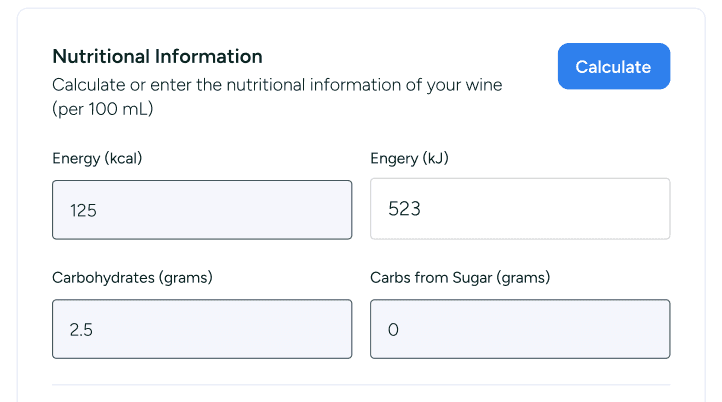
5. Add nutrition information
Not sure how to calculate energy values? No problem. Our quick calculator uses your wine's composition data to calculate energy in kcal and kJ for you.
You can add fats, proteins, and salt either individually or as a summary, and include optional nutritional notes.
6. List ingredients, allergens, and certifications
Simply separate ingredients with commas and select any applicable allergens or certifications.
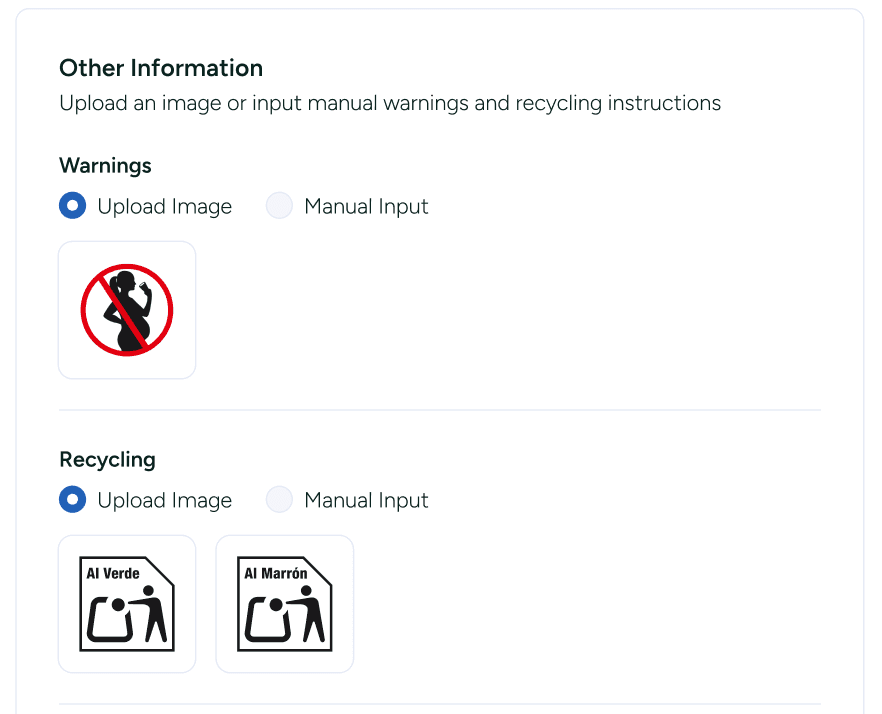
7. Add any additional information you need
Warnings, recycling details, or anything else. You can include text or images as needed.
Do not worry if you do not have all the information ready right now. You can always come back later and edit your wine.
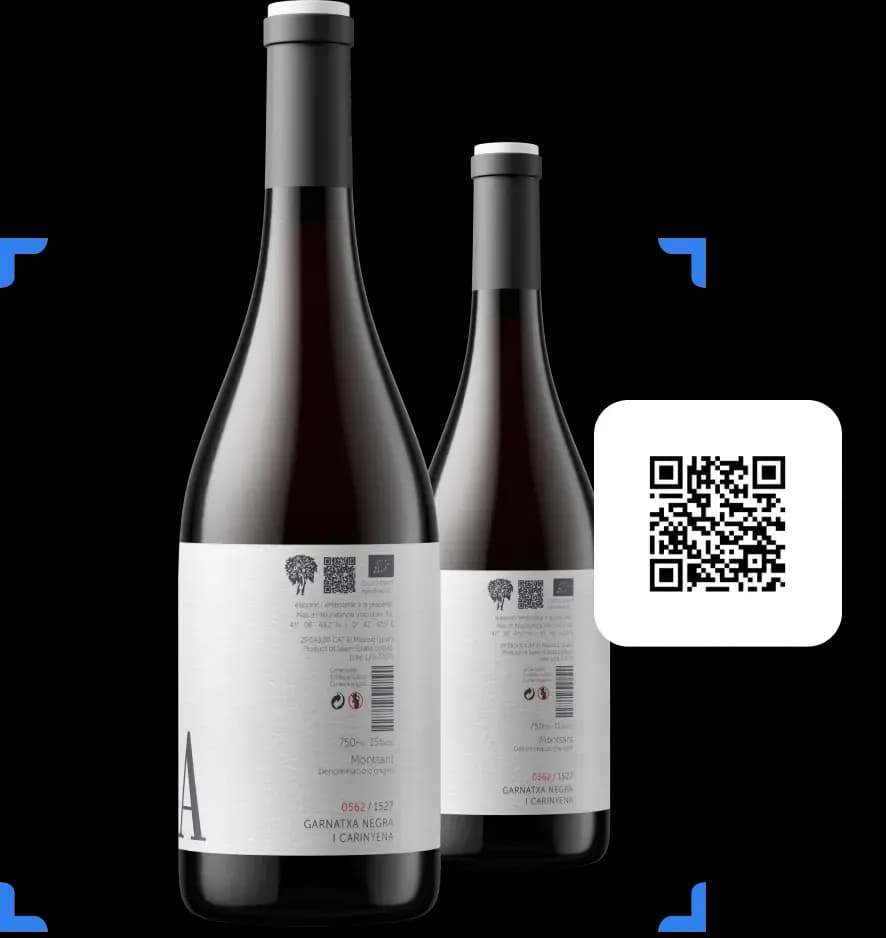
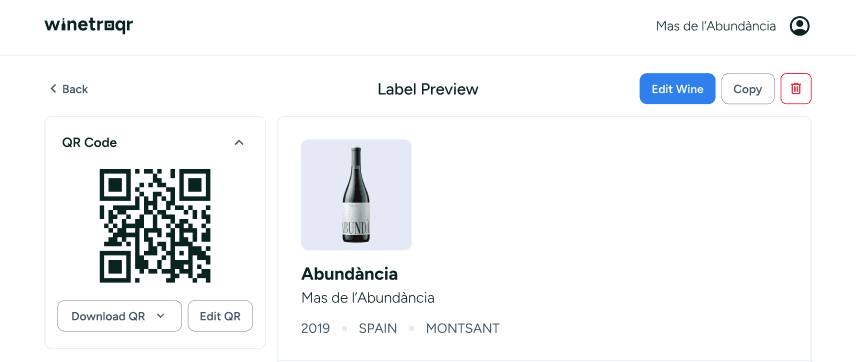
When you are ready, generate your QR code and it will be ready to use!
Unlock the story behind every bottle
- Unlimited wines and QR codes
- Automatic language translation
It's free to sign up. No credit card needed.