Easy EU Compliant Wine Labels
Winetraqr is a free digital-labeling tool for wine — built by a Priorat winery — that generates per-SKU/vintage QR codes linking to multilingual nutrition and ingredient information you can update anytime.

I’m writing this as someone who had to deal with this the annoying way first: I own a winery in Priorat, Spain, and the EU nutrition/ingredients requirements landed right in the middle of the already-chaotic reality of making, labeling, and shipping wine.
I didn’t build Winetraqr because I wanted another job. I built it because I needed it for my own bottles.
And it’s not theoretical anymore: there are tens of thousands of bottles already in distribution with Winetraqr QR codes on their labels.
What the EU expects (in plain language)
If you sell wine in the EU, you need to provide things like:
- ingredients
- allergens
- nutritional information / energy values
You can deliver this via a QR code that points to a compliant digital label page. That’s the escape hatch the EU gave wineries—because nobody wants a label that looks like a pharmacy insert.
Why physical labels become a trap
You can print everything on the bottle. Then you learn why people don’t:
- Multiple wines means multiple versions.
- Multiple vintages means… even more versions.
- Multiple markets/languages means your label turns into a micro-text novel.
- And if you discover an error after printing? You either live with it or you reprint. Neither is fun.
This isn’t a “big winery problem.” It’s a “you have more than one wine” problem.
What Winetraqr does (the boring, useful version)
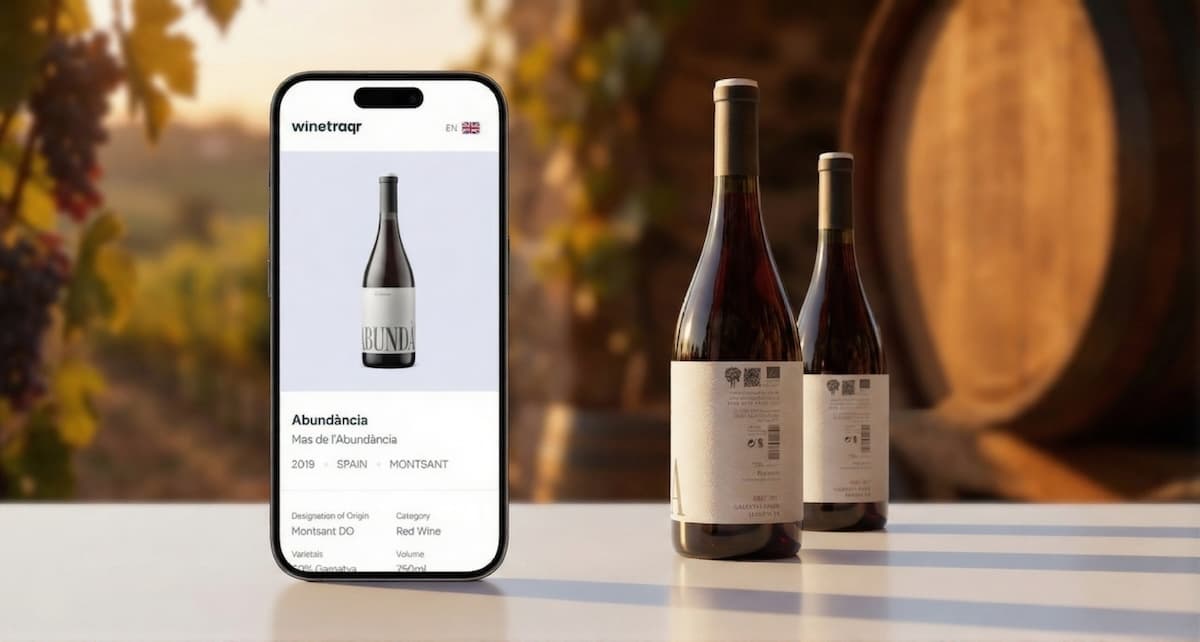
Winetraqr hosts a consistent, compliance-focused digital label page. No template choices, no accidental marketing page—just the required info rendered the same way every time. You can add a photo of your bottle, but the structure stays clean and consistent.
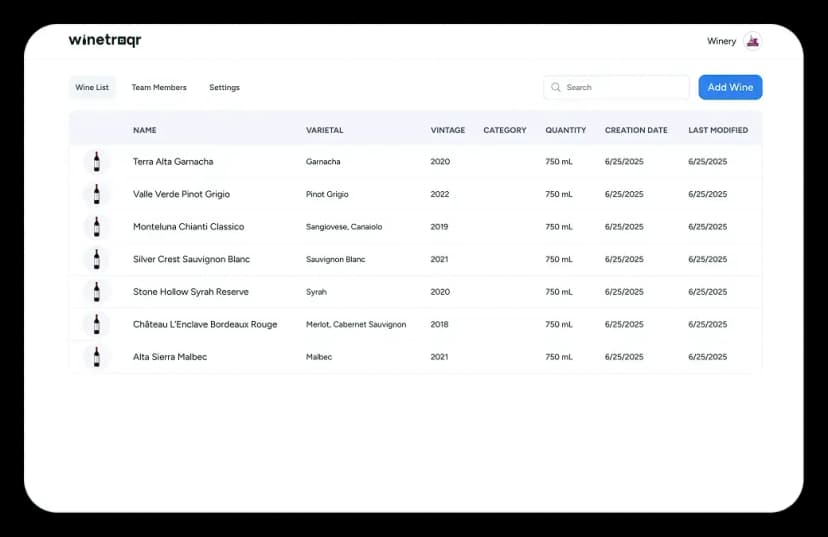
Add the details for your wines and each one automatically gets its own QR code.
The workflow:
- Create a digital label entry for a specific wine (SKU/vintage/lot)
- Fill in nutrition + ingredients (with basic built-in calculations to help)
- Generate a QR code for that entry
- Download the QR code as a vector file and send it to your label designer
- Print it on the bottle and you’re done!
The feature that matters in the real world: fix mistakes after printing
This is the one that stops your stomach dropping through the floor.
If you need to correct nutritional or ingredient info after labels have been printed, you can update it in Winetraqr. The QR code doesn’t need to change. Your bottles already out in the world don’t become permanently wrong.
That’s exactly the kind of thing that sounds minor until you’ve printed thousands of labels and realize a number is off.
Languages: yes, all of them
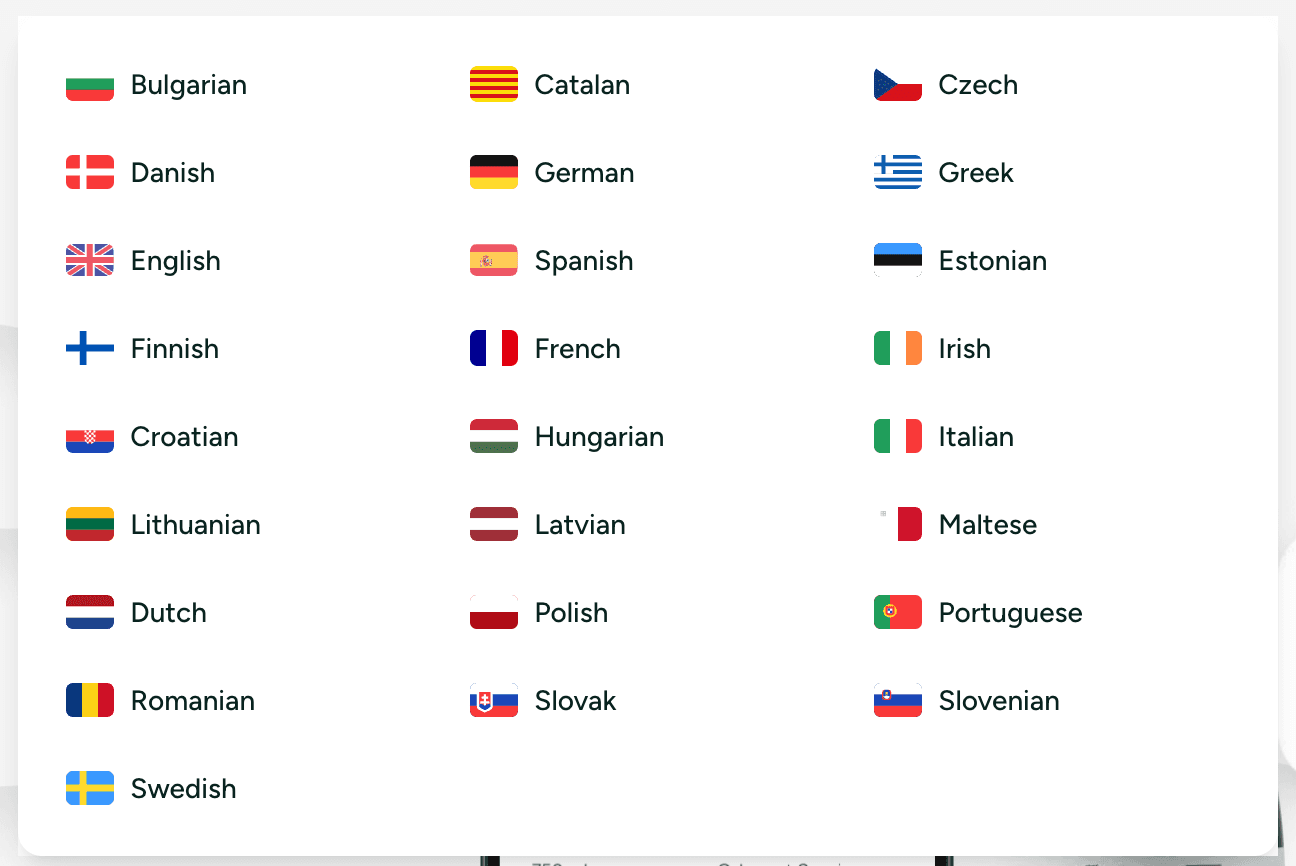
Winetraqr supports all EU languages on the digital label, so you’re not juggling separate pages or maintaining translations in ten different places.
The pricing model (and why we made it this way)
There are competitors in this space. Some are solid. But most of them share a very specific business model:
You’re fine until you have ~3 wines… and then the meter starts running.
That’s backwards.
Most wineries don’t have three wines. And even if they do today, vintages, lots, and variants multiply quickly. Pricing that punishes you for having an actual portfolio is a tax on being a real winery.
So Winetraqr is free no matter how many wines you add. Add 5, add 50, add 500. The core compliance piece stays free.
You only pay if you want premium features like:
- inviting teammates (so it’s not all on one person’s laptop and memory)
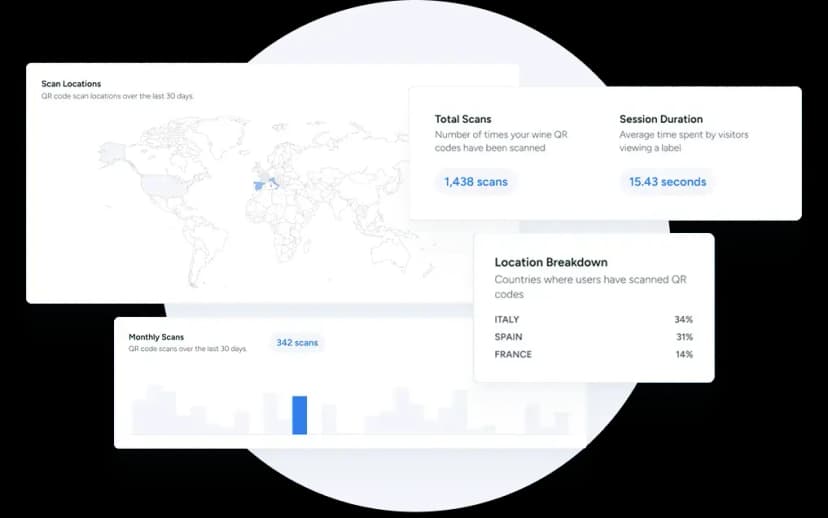
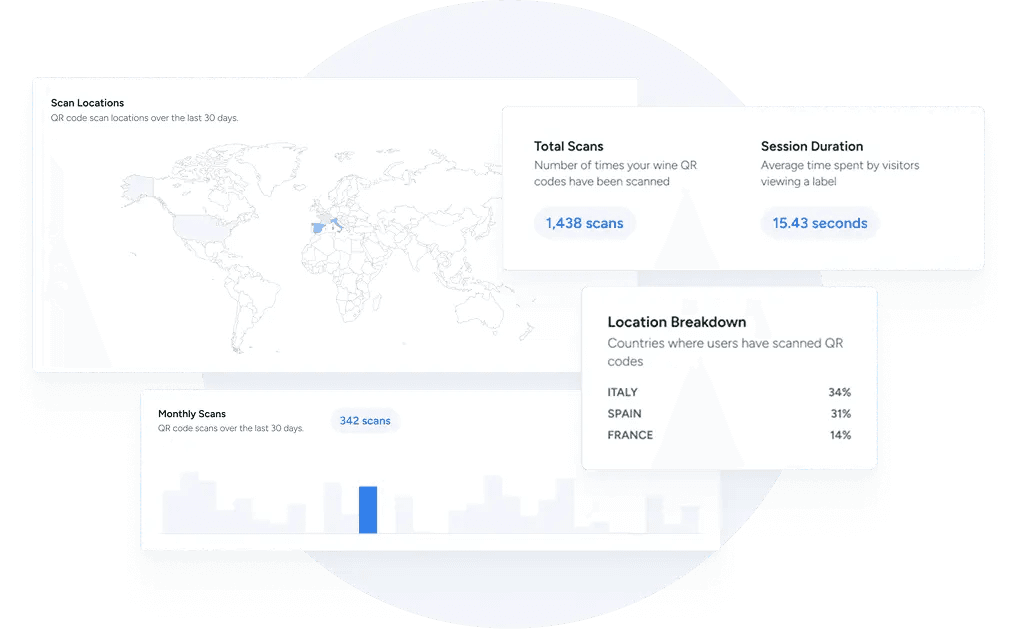
- scan analytics (basic visibility into how often labels are scanned and where)
How to get started
Winetraqr is free. Just click the Get Started button at the top of this page, add the basic information about your wine, and we'll automatically create a QR code you can print right on your labels.
The regulation is unavoidable. The headache isn’t.